
Lightning Fast
Keyboard-driven interface for rapid data entry.
Sales Analytics
Real-time insights to grow your business.
Image Capture
Integrated webcam support for customer records.
Excel Export
Generate professional reports in seconds.
Everything You Need
📈 Smart Sales Analytics
Visualize your success with interactive charts. Track daily, monthly, and yearly performance at a glance.
📝 Complete Records
Capture all essential details: Customer Name, Vehicle No, Key Type, and Payment Method (Cash/UPI).
⌨️ Speed Workflow
Designed for speed. Use shortcuts like Ctrl+S to save and Ctrl+F to search without touching the mouse.
📷 Integrated Camera
Snap customer photos directly within the app. No external software needed.
🔎 Instant Search
Find any record instantly. Filter by date, key type, or payment status.
🖨️ Reports & Export
Print daily summaries or export full datasets to Excel for accounting.
Get Started in Seconds
🚀 Download KeyBase
Compatible with Windows 10/11 (64-bit)
Download Installer (.exe)Includes everything you need. No Java installation required.
Installation Guide
Windows Security Note
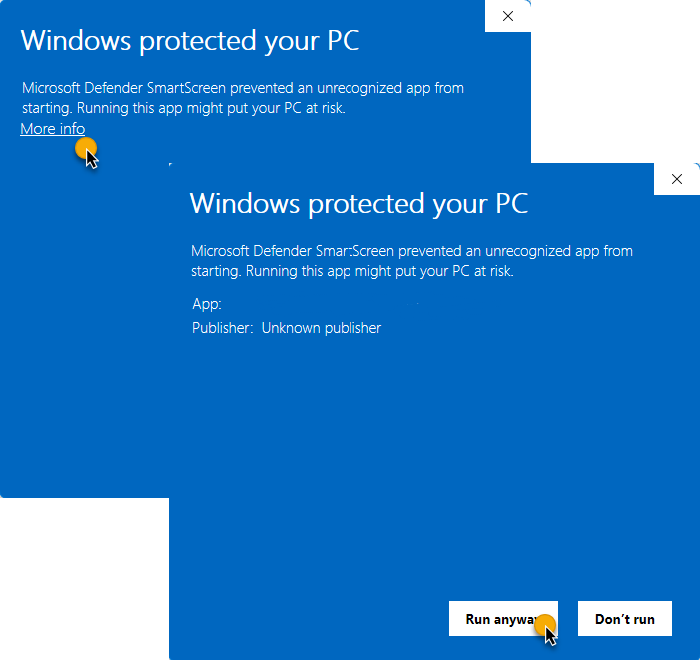
You may see a "Windows protected your PC" warning. This is normal for new open-source software that hasn't purchased an expensive digital certificate yet.
KeyBase is 100% safe, runs locally, and contains no malware.
To install: Click "More info" then "Run anyway".
Download & Run
Get the installer and run it. If warned, click "Run anyway".
Follow Setup
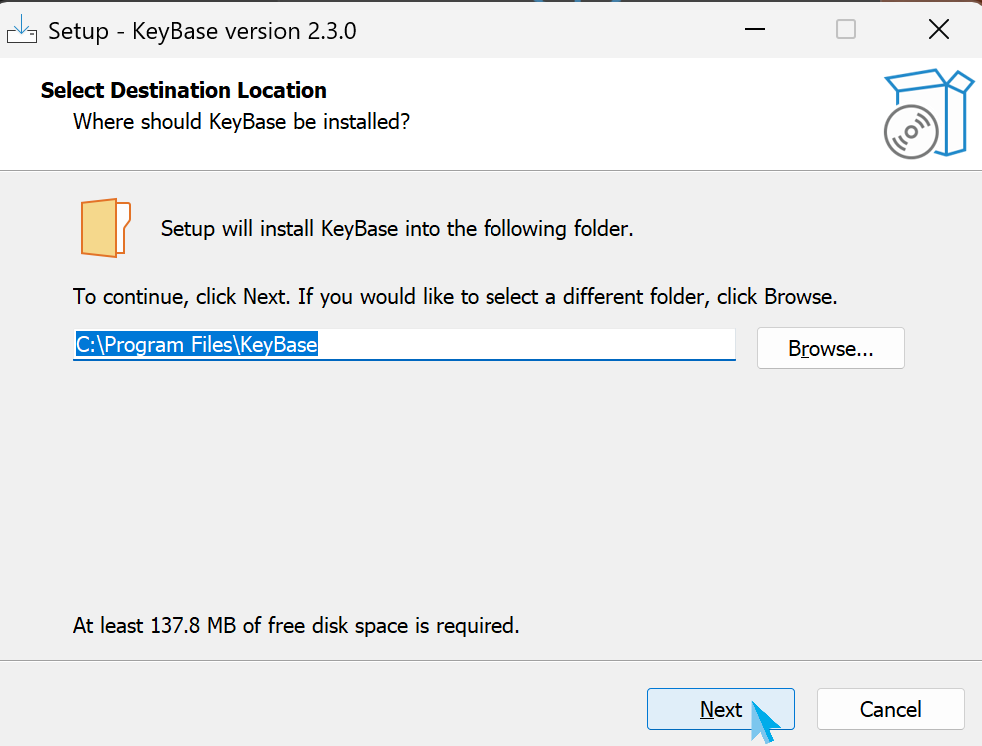
Click "Next" through the standard setup screens.
Create Shortcuts
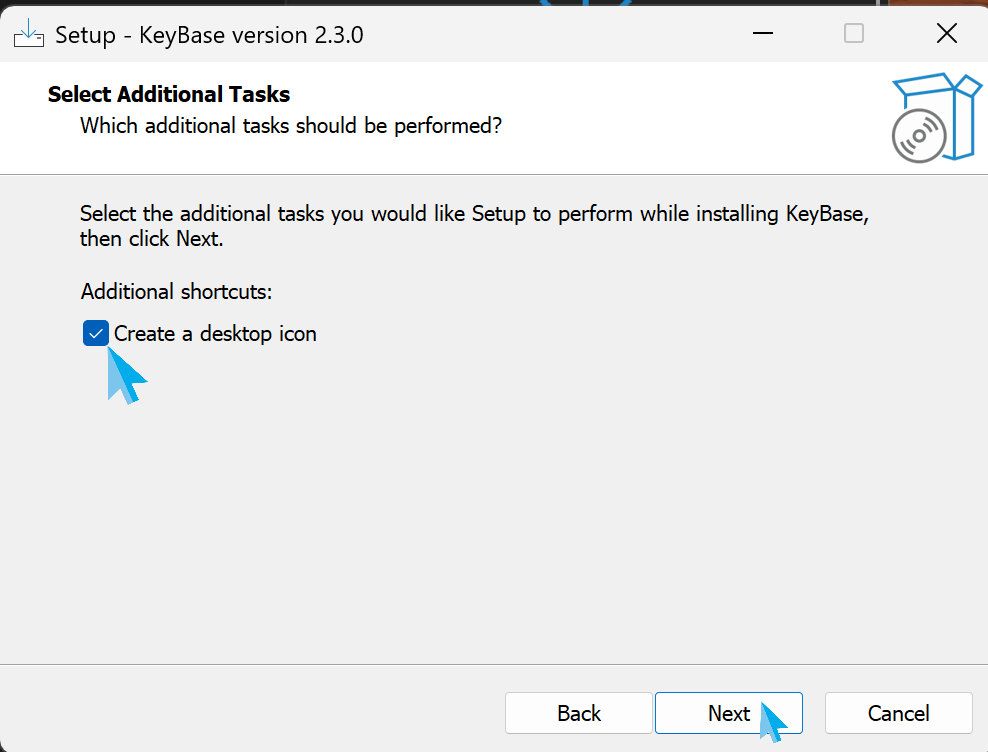
Select "Create a desktop shortcut" for easy access.
Launch
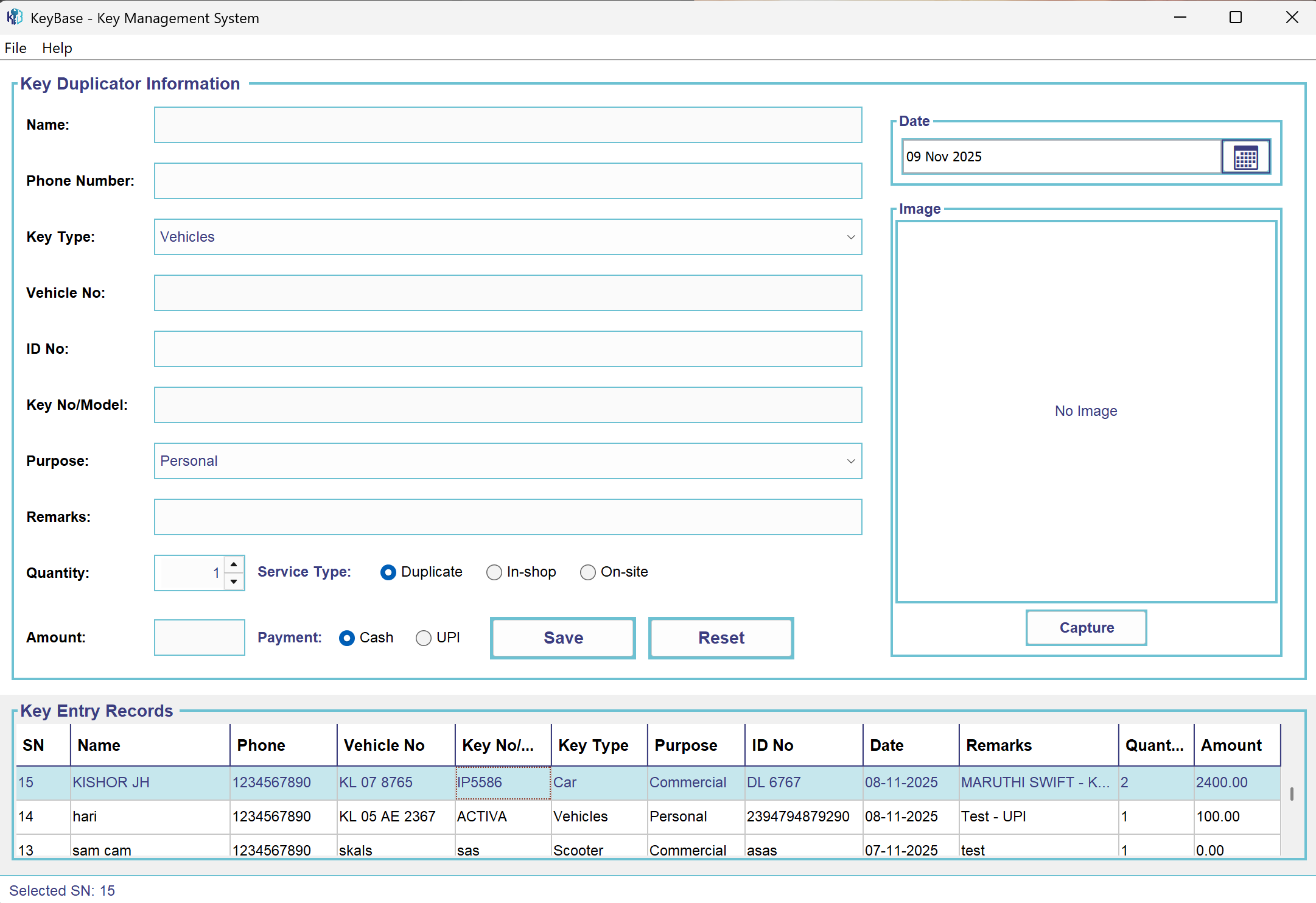
Click "Finish" and start managing your shop!
Documentation & Support
Full Documentation
Complete user guide with screenshots, keyboard shortcuts, troubleshooting, and best practices.
Read READMETechnical Details
Architecture: Java 17, Swing UI, H2 embedded database, webcam-capture library integration.
View RepositoryLatest Releases
Download installers, view version history, and access release notes.
Browse Releases